November 10, 2026
How to Claim and Verify Your Business on ChatGPT: A Step-by-Step Guide (2026)

Written by
Elijah Reed
On November 10, 2026, OpenAI introduced Businesses in ChatGPT, a new feature that allows eligible businesses to claim their profiles, update their information, and see how customers discover them through ChatGPT.
For business owners, this is a significant development. Until now, there hasn't been an official, self-service dashboard comparable to Google Business Profile or Google Search Console for managing how your business is represented in ChatGPT.
Now, through ChatGPT Business Hub, you can claim your business, verify that you're authorized to represent it, and unlock analytics showing how people interact with your business in ChatGPT.
The process involves two main stages: verifying your connection to the business and completing identity verification through Persona, which may require a government-issued ID.
Here's how to get started.
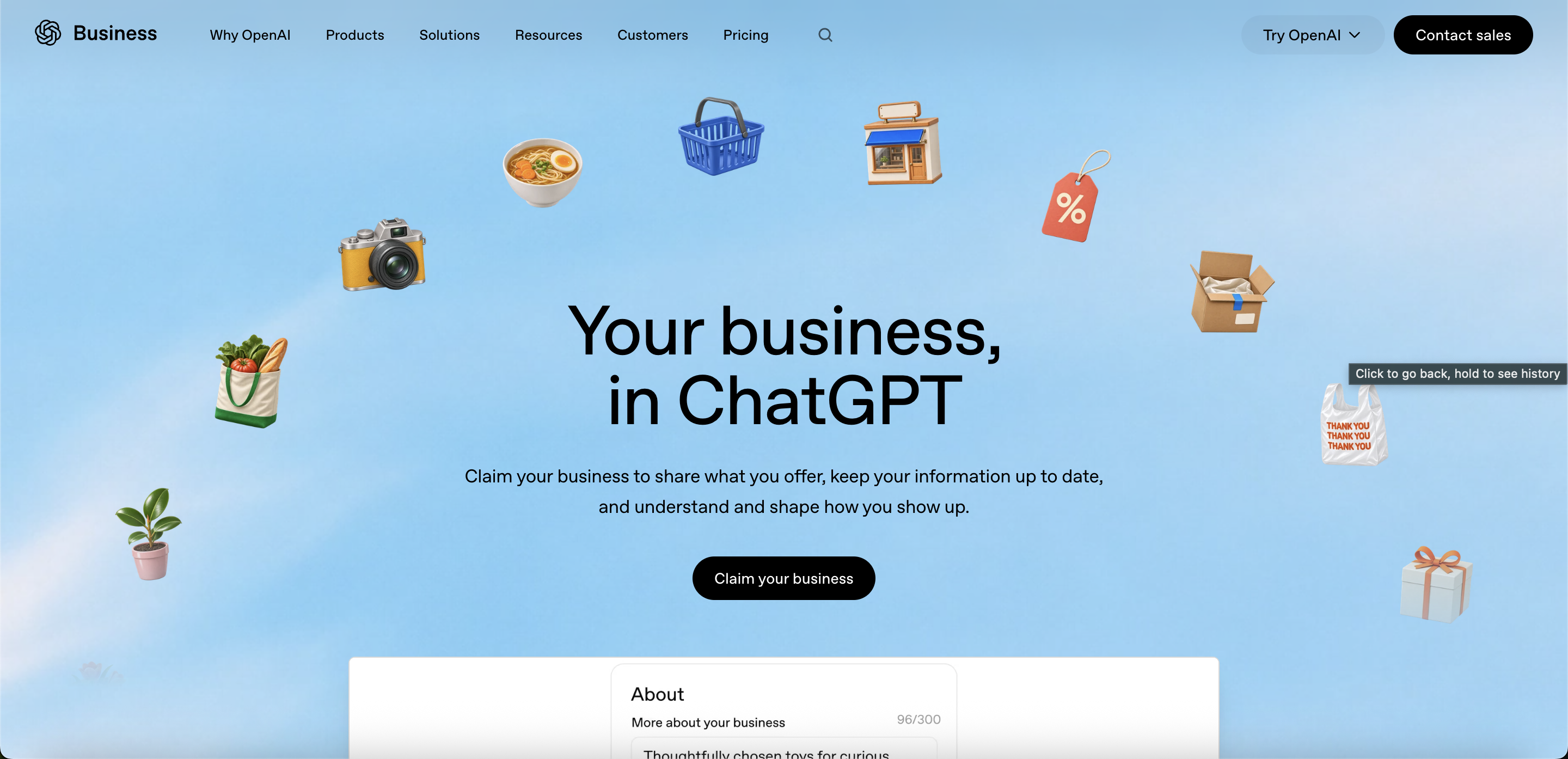
What is ChatGPT Business Hub?
ChatGPT Business Hub is OpenAI's new business management platform.
It allows eligible businesses to:
- Claim their existing business listing in ChatGPT.
- Update business details, descriptions, categories, and branding.
- See how often their business is mentioned in ChatGPT.
- Track website clicks originating from ChatGPT.
- Explore discovery topics associated with their business.
- Connect product information and, for eligible businesses, create a Business Agent.
Think of it as an early version of Google Business Profile combined with elements of Google Search Console, but specifically for ChatGPT.
Importantly, claiming a business doesn't guarantee that ChatGPT will recommend it more often. ChatGPT continues to make independent recommendations.
However, claiming your profile gives you a way to manage the information you provide to OpenAI and access new visibility data.
Step 1: Open ChatGPT Business Hub
Start by visiting OpenAI's official business registration page:
Claim your business on ChatGPT
Click Claim your business and sign in to your ChatGPT account.
You can also access Business Hub from the ChatGPT sidebar, where available.
If you don't already have a ChatGPT account, you'll need to create one.
Use an account that you intend to keep associated with your business. Ideally, this should be controlled by the owner or another authorized representative.
Step 2: Search for and select your business
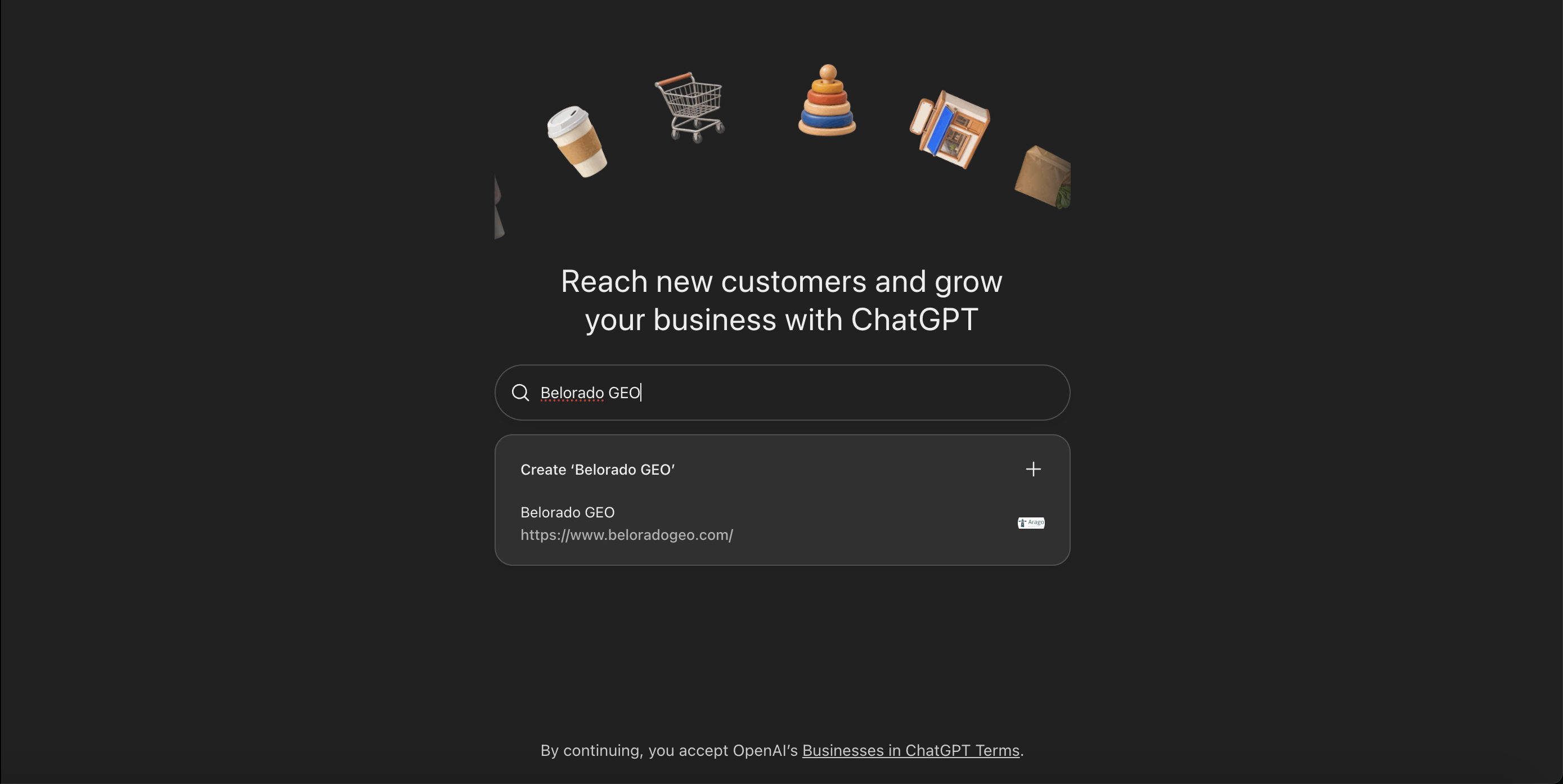
Once you've entered Business Hub, search for your business by name.
Select the listing that matches your organization and confirm the ChatGPT account you'll use to manage it.
Make sure you're selecting the correct business, particularly if there are similarly named companies or multiple locations.
If your business isn't listed, you may see an option to add it, depending on your business type and eligibility. At launch, local stores and restaurants can claim existing U.S. listings but cannot necessarily create new ones.
If the business has already been claimed, OpenAI offers an ownership dispute process.
Step 3: Verify that you represent the business
Next, OpenAI asks you to verify your connection to the organization.
Depending on which verification options are available for your business, you may be able to use:
Business phone verification: Receive a code by text message or automated phone call, then enter it in ChatGPT.
Business email verification: Receive a verification code at an email address associated with your business.
Website domain verification: Add a TXT record provided by ChatGPT to your website domain's DNS settings. Return to Business Hub and select Verify domain after the record is available.
Shopify verification: If your business uses Shopify, connect your store and follow the authorization prompts.
You only need to follow one of the verification methods offered to you for this stage.
For businesses working with an SEO agency or web developer, domain verification may be particularly straightforward because the agency can help configure the DNS record.
OpenAI reviews your claim and emails you when it's approved or if additional information is needed.
Step 4: Complete government ID verification with Persona
This is an important additional step.
Claiming your business and completing identity verification are two separate parts of the process.
After your initial business claim is approved, OpenAI requires identity verification through Persona before you can access certain management features, including your business insights.
Within Business Hub, select Verify with Persona, followed by Continue to Persona.
You may be asked to provide:
- A government-issued photo ID.
- Business registration details.
- Evidence that you're authorized to represent the business.
- Additional identity information or images requested during verification.
Follow the instructions on the Persona verification screen carefully.
Have a valid physical ID available and use a device that can capture clear images. If Persona requests additional verification, such as a selfie, complete those steps within the secure verification flow.
You should submit this information directly through Persona's verification process, not by emailing your ID to your marketing agency.
Once your information has been submitted, OpenAI reviews the verification request and emails you with its decision or any additional requirements.
Don't confuse submitting your ID with receiving approval. The relevant Business Hub features remain restricted until verification has been approved.
This only took a few minutes for Belorado's business to be approved.

Step 5: Review and update your business information
Once your claim and identity verification are approved, return to Business Hub.
You can now review and submit updates to your business profile.
Depending on the fields available to your business, these may include:
- Business name, website, and category.
- Business description.
- Logo and cover photo.
- Products or services.
- Delivery and return policies, where relevant.
Make sure the information accurately describes what your business does, who it serves, and where it operates.
This is especially important for businesses that have changed locations, introduced new services, or updated their branding.
OpenAI may review submitted changes before publishing them. Updated details may also take time to appear in ChatGPT responses.
A successfully verified business profile can display a blue verification check, indicating that the claim and identity verification have been completed.
Step 6: Explore your ChatGPT analytics
One of the most interesting parts of this announcement is the introduction of first-party analytics for businesses in ChatGPT.
After verification, eligible businesses can access reporting within Business Hub.
Three particularly useful areas are:
Business mentions
See how often your business is mentioned in ChatGPT.
For example, a boutique hotel might want to know whether people discover it when exploring places to stay in its destination.
Website clicks
See how many people click through to your website from ChatGPT.
This provides another way to understand whether AI-driven discovery is translating into website visits.
Discovery topics
Explore general themes across conversations where your website is cited.
For an architecture firm, that might mean understanding whether its business is appearing in discussions about residential architecture, custom homes, or other relevant services.
These insights could help inform content strategy, website improvements, and future marketing priorities.
A few limitations are worth understanding: OpenAI aggregates these insights to protect user privacy. Businesses don't receive individual users' conversations or exact prompts, and reporting may be unavailable when activity is below certain privacy thresholds.
An empty metric doesn't necessarily mean nobody has encountered your business in ChatGPT.
Does claiming your business improve your ChatGPT rankings?
Not automatically.
OpenAI explicitly states that claiming your business does not guarantee better placement, increased visibility, or more sales.
Your business can appear in ChatGPT recommendations whether or not you've claimed its profile.
Claiming is valuable because it gives you another way to provide accurate information about your business and access analytics.
But improving how often ChatGPT recommends your business is a larger project.
It can involve making your website easier to understand, publishing useful content that addresses customer questions, building credible third-party mentions, and ensuring your business information is consistent across the web.
This broader process is often called Generative Engine Optimization (GEO) or AI search optimization.
At Belorado GEO, we help businesses understand how they're represented across AI search platforms, identify where competitors are being recommended instead, and develop strategies to strengthen their visibility.
Frequently asked questions
Is claiming your business on ChatGPT free?
OpenAI does not require businesses to purchase a ChatGPT Enterprise subscription or create an advertising account to claim an eligible business.
You can complete the claim process yourself. Agencies may charge separately for setup assistance, auditing, or ongoing optimization.
Do I need a ChatGPT Business subscription?
No. ChatGPT Business, the paid workspace subscription, is separate from the new Businesses in ChatGPT feature and Business Hub.
Do I have to upload my government ID?
OpenAI requires Persona identity verification to unlock business profile management and analytics. Depending on your verification requirements, this may involve submitting a government-issued ID and other documentation.
Can my marketing agency claim the business for me?
Authorized representatives may manage business profiles, subject to OpenAI's verification and access requirements.
However, the business owner or another authorized representative should retain control over ownership and complete any required personal identity verification themselves.
What if my business isn't listed?
Some eligible businesses may be able to add a new profile. Availability varies by business category and location.
Can I see exactly what people asked ChatGPT before finding my business?
No. Business Hub provides aggregated reporting rather than access to individual conversations or exact user prompts.
How long does verification take?
OpenAI reviews business claims and Persona verification submissions. It hasn't established a universal approval time for every business, so allow time for review and watch for an email requesting additional information.
Final thoughts: Claim your business now
For businesses investing in SEO, local search, and AI visibility, ChatGPT Business Hub represents an important new source of information.
The process is relatively straightforward: find your business, verify your connection to it, complete Persona identity verification, and begin exploring the tools available to your organization.
It's still an early product, and its capabilities will likely evolve. But establishing ownership of your business profile is a sensible place to start.
Need help claiming your business on ChatGPT?
Belorado GEO helps businesses navigate technical setup, evaluate their visibility in AI search, and develop practical strategies for improving how they're discovered online.
Whether you're setting up Business Hub for the first time or want to understand why your competitors appear in ChatGPT recommendations, we're happy to help.
Contact Belorado GEO to get started.